Features

Features that make every arrow tap feel intentional

Discover the standout features that make Arrow Tap: Escape Puzzle a relaxing yet engaging logic experience. From one-tap controls to steadily increasing challenges, every detail is tuned for thoughtful, satisfying play.

One-tap logic puzzles Relaxing, timer-free play Progressive difficulty Optional Android launcher

Core experience

Arrow-first design built around one-tap logic

Every feature in Arrow Tap: Escape Puzzle supports the same idea: tap an arrow, clear a path, and reshape the board. Intuitive controls, readable arrow layouts, and layered challenges work together to create a calm but thoughtful puzzle loop.

One-tap controls

The game’s intuitive control scheme enables you to tap and clear arrows with a single finger. There are no complex gestures, drag paths, or combo inputs to memorize.

This simplicity keeps your focus on reading directions and planning the next move, instead of wrestling with the interface. It works just as well for quick portrait play on the train as it does for longer sessions on the couch.

Player using one-tap controls to clear colourful arrows in a mobile puzzle

Arrow-based puzzle boards

Each board is composed of brightly coloured arrows pointing in different directions. Tapping an arrow clears it and often unblocks paths for neighbouring pieces.

The challenge comes from spotting which arrows are trapped, which ones unlock long chains, and how each removal changes the remaining routes on the grid.

Progression

Multiple levels and steadily increasing challenges

A wide range of hand-crafted levels ensures that you always have another board to think through. Early stages introduce simple arrow layouts, while later puzzles layer in blocked paths and trickier arrangements.

  • Multiple levels

    Boards span from beginner-friendly arrangements to more demanding logic setups, giving you room to build confidence before facing complex patterns.

  • Increasing challenges

    Puzzle complexity ramps up at a gentle, readable pace. Additional arrows, tighter spaces, and cleverly blocked directions encourage you to think several moves ahead without feeling overwhelmed.

Difficulty band Board feel Ideal for
Beginner Few arrows, mostly open paths, minimal blocking. Learning how arrow directions affect the board.
Intermediate More arrows and light blocking that forces planning. Players ready to think a couple of moves ahead.
Advanced Denser boards with layered chains and narrow escapes. Puzzle fans who enjoy careful trial and refinement.
Challenging Heavily blocked paths, tight move windows, and deep chains. Players who like dismantling intricate logic knots.
Hand-crafted layouts Gentle learning curve Replayable boards
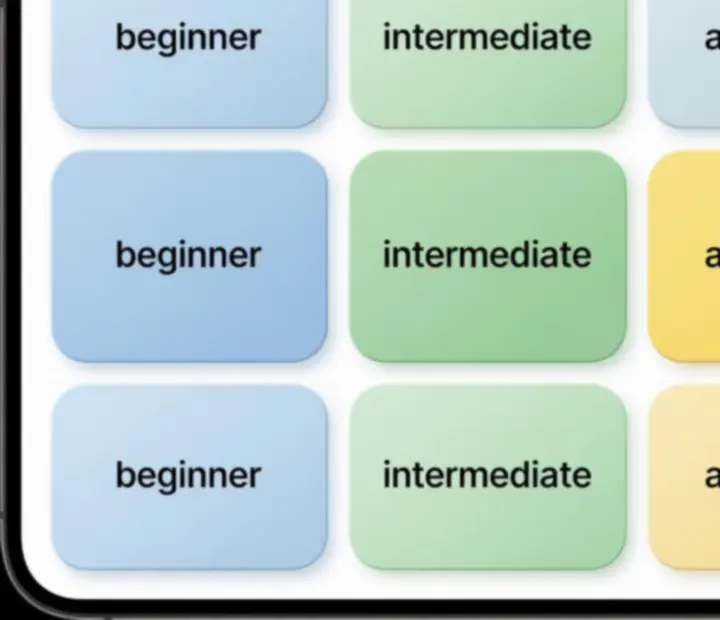
Level selection grid for a mobile arrow puzzle game showing multiple difficulty options
Browse a grid of boards that gradually step up from light warm-ups to more layered logic challenges.
Pastel coloured puzzle board with geometric arrow tiles
Soft pastel colours and rounded tiles keep even tough puzzles feeling light and approachable.

Visual identity

Colourful visuals that support calm, focused play

Colourful visuals

The soft pastel palette and geometric layout give Arrow Tap: Escape Puzzle a clean, puzzle-first look. Mint greens, warm yellows, and coral accents help you quickly distinguish arrows and read the board at a glance.

Rounded tiles, subtle gradients, and light shadows provide a premium mobile feel without visual noise or clutter.

Satisfying clearing animations

Every correct tap is reinforced with smooth clearing animations as arrows slide, fade, or vanish from the grid. These gentle transitions make progress feel tangible and encourage you to keep exploring new solutions.

The animations are tuned to feel responsive but not frantic, supporting the game’s overall relaxing tone.

Soft pastel palette Rounded puzzle tiles Gentle motion feedback

Pace

Relaxing gameplay

Arrow Tap: Escape Puzzle is designed for calm, low-pressure logic. There are no timers or energy meters demanding perfect performance. You can pause mid-board, rethink your route, or experiment with different move orders at your own rhythm.

This makes the game well-suited to players who enjoy untangling logic problems without the anxiety of countdowns or failing out of a level for experimenting.

Session length

Short, satisfying sessions

Each puzzle typically takes just a few minutes to solve, which makes Arrow Tap: Escape Puzzle ideal for quick breaks: between meetings, during a commute, or while waiting in line.

The structure encourages “just one more board” play—slots of focused thinking that never overstay their welcome.

Depth

Logic-based planning

Behind the soothing exterior is a deeply logical core. Success hinges on studying arrow directions, predicting what each tap will remove, and planning several steps ahead to avoid locking yourself into dead ends.

As challenges ramp up, the game rewards players who can mentally simulate chains of clears and choose the safest starting arrow.

Optional Android feature

Optional home screen launcher (off by default)

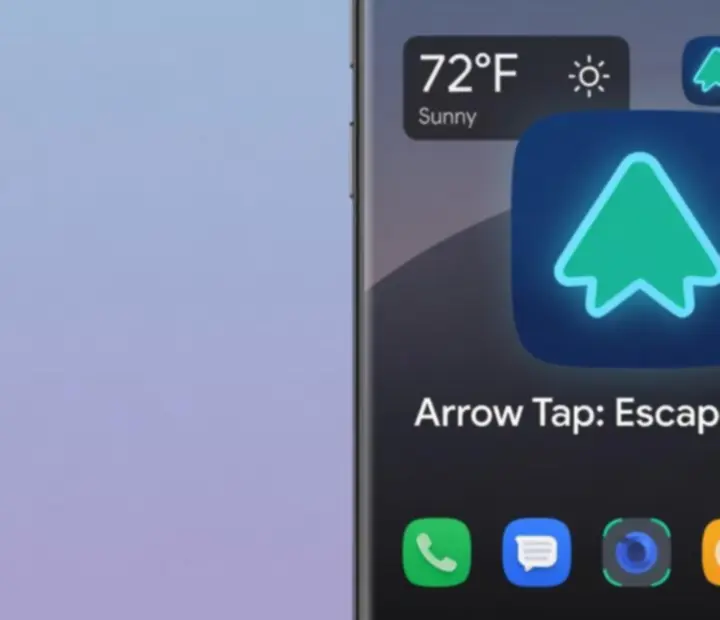
Arrow Tap: Escape Puzzle includes an optional Android home screen launcher for players who like integrating their favourite games into a custom home screen setup.

Optional, disabled by default, and not required to play.

What the launcher does

  • Optional: You can ignore the launcher entirely and enjoy the full puzzle experience without enabling it.

  • Disabled by default: The launcher is off when you first install the game and only activates if you explicitly choose to turn it on in Android settings.

  • Not required to play: All arrow-based puzzles, levels, and features work normally using your existing home screen or launcher.

How it integrates with your device

When enabled, the launcher can provide:

  • One-tap access to launch Arrow Tap: Escape Puzzle directly from the home screen environment.

  • Access to installed apps so you can open your usual apps without leaving the launcher experience.

  • Widget and shortcut support for players who like arranging tools or quick-launch icons around their games.

Safe & private experience: The launcher feature does not need to access your private puzzle data, does not alter the core gameplay, and does not interrupt boards in progress. It functions as an optional way to organize and access apps, including Arrow Tap: Escape Puzzle itself.

Android home screen style launcher with a shortcut to Arrow Tap: Escape Puzzle
The Android launcher is an optional add-on for players who prefer dedicated, game-centric home screens.

Continue exploring

From features to strategy

Now that you know what defines Arrow Tap: Escape Puzzle, dive deeper into how the arrow-clearing mechanic feels in motion and how to plan moves that unlock entire boards.